To find wildlife management area hunting dates, go to your state wildlife agency’s website and open the hunting regulations or wildlife management area page for that specific property. The agency’s annual hunting guide and the area’s own regulation page are the only sources that carry dates you can be cited under.
Statewide season dates are a starting point, not the answer. A management area can close a species early, open it later, limit the method of take, or shut entirely for a controlled hunt, and none of that shows up in a general season calendar.
This walkthrough works in any state and takes about fifteen minutes per area once you know the pattern.
Table of Contents
- What You Need
- Step-by-Step: How to Find Wildlife Management Area Hunting Dates Online
- Identify the State and Wildlife Agency
- Open the Official Wildlife Management Area Hunting Dates Page
- Check the State Hunting Season Calendar
- Confirm Maps, Access, and Special Restrictions
- Save the Date and Check for Last-Minute Updates
- Common Mistakes
- Frequently Asked Questions
- What does WMA mean in hunting?
- Where can you find the hunting regulations for the area you want to hunt?
- Do you need a permit to hunt in a wildlife management area?
- Why do WMA dates differ from statewide seasons?
- Where can I find WMA maps and boundaries?
- What do I do if the annual guide has not been published yet?
What You Need
Before you search, get five things straight. Scrambling to find them mid-search is what sends people to last year’s brochure.
- The state. Almost every other question depends on it, because the agency name and the guide name change from state to state.
- The name of the wildlife management area. Use the exact name from a map or sign, not the name of the town near it. Names like Camp McCain or Black Prairie return nothing useful when shortened.
- The species you plan to hunt. Dates are published per species, and one area may hold three different schedules for deer.
- The agency website, and its app if it has one. Most states publish a mobile app with the same regulation content plus alerts.
- The area’s contact number. Every WMA listing carries one. Save it in your phone before you leave coverage.
If you only take one thing from this section, take the full area name. Typing the town name instead of the property name is the single most common reason a search comes back empty.
Step-by-Step: How to Find Wildlife Management Area Hunting Dates Online
Identify the State and Wildlife Agency
The agency in charge is not always called a department of natural resources or a wildlife agency. Texas runs public hunting through its Parks and Wildlife Department, Florida through a Fish and Wildlife Commission, Ohio through a Department of Wildlife Resources, and Georgia through a Wildlife Resources Division. Same job, different name in every state.
Search the state’s official domain plus the words wildlife management area regulations. Government domains rank first and they are the only version of the rules that count. You have it right when the page shows a last-updated date and links to an annual printed guide.
Open the Official Wildlife Management Area Hunting Dates Page
Once you are on the agency site, find the management area section, sometimes filed under special areas, public hunting lands or regional offices. This page lists each property with its own regulation block, which is where the actual dates sit.
A standard regulation block has four headings, and knowing them speeds everything up. Closed seasons lists what is shut. Same as statewide means the area defers to the general calendar for that species. Special restrictions changes the method, the season length or the bag limit. Additional restrictions covers site rules such as camping areas and vehicle use.
You have it worked when you can state the opening and closing date for your species without leaving the page.
Check the State Hunting Season Calendar
The statewide calendar is where archery, firearm, muzzleloader and youth periods get set for the whole state. It is your baseline, and reading it beside the area block is the second half of how to find wildlife management area hunting dates that actually apply to the ground you will hunt.
Read both and compare. If the area block says the same as statewide, the calendar date is correct for that species. If it lists its own dates, the area block wins. If a species is not listed anywhere for that area, most agencies direct you to statewide seasons by default.
Florida hunters check this more than most. Around hog season, for example, hunters on forums describe parts of the state running centrefire-only with a narrow window while other areas run the standard dates. That difference lives entirely in the area rules.
Confirm Maps, Access, and Special Restrictions
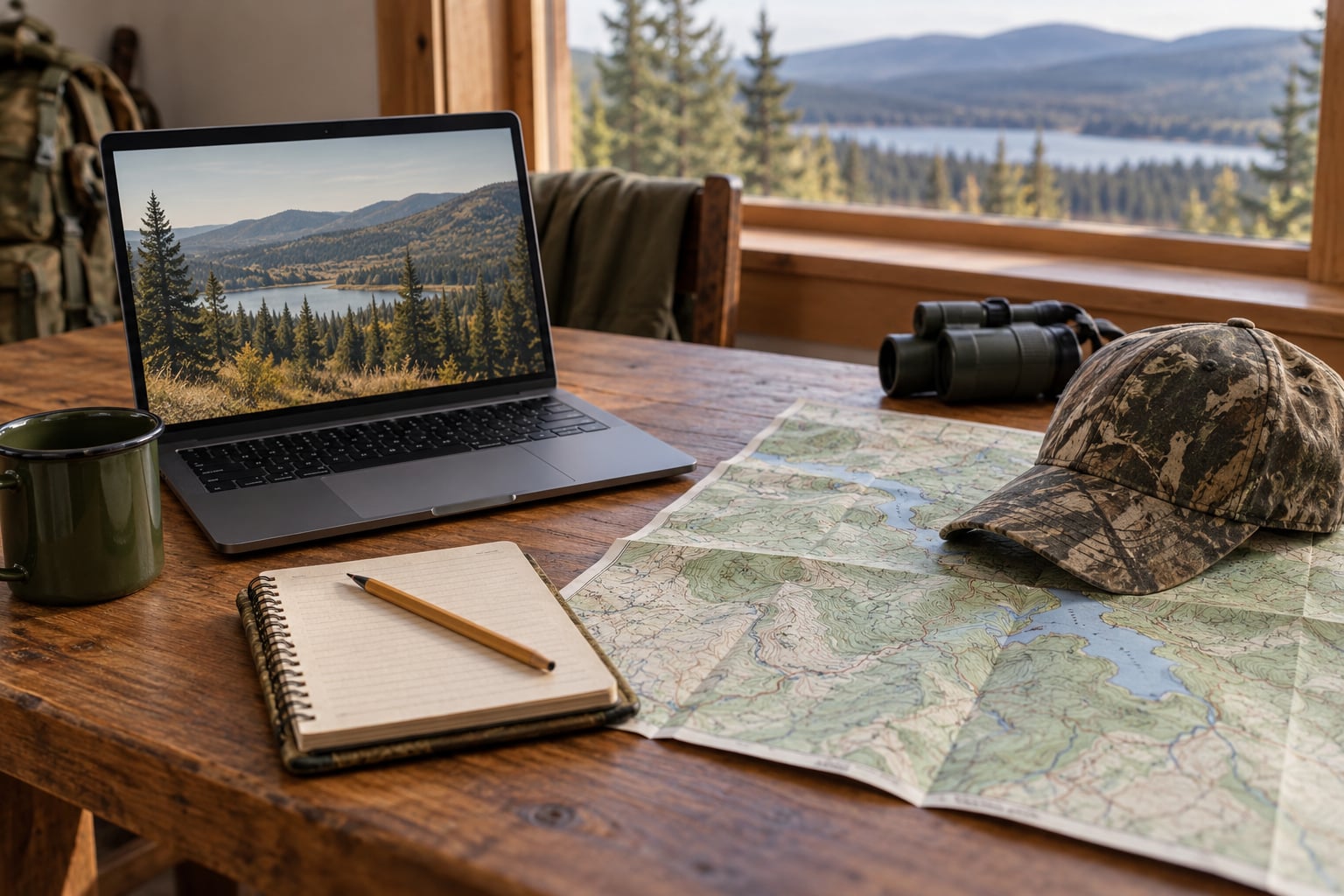
Dates mean nothing if you are standing on the wrong ground. Every state publishes a boundary viewer or a downloadable map layer, and using it takes a couple of minutes.
Pull up the map, confirm the boundary, and note the access points and whether the area is split into zones. Then read the restrictions list closely. Look for check-in requirements, non-toxic shot rules, waterfowl hunting hours, designated camping areas, vehicle restrictions, youth-only windows, and any hunter orange requirement. These are the details wardens check.
Test your understanding by answering one question: could a stranger follow your notes and stand inside the legal boundary at 6 a.m. on opening morning? If not, keep working.
Save the Date and Check for Last-Minute Updates
Subscribing to the agency’s email or text alerts takes a minute and covers most of what changes mid-season. Closures after flooding, disease findings, fire closures and quota hunt changes get announced there first, sometimes ahead of the printed guide.
Then save the dates offline. Screenshot the area’s regulation page, save the PDF guide to your device, and write yourself a short note with the dates, the bag limits and the contact number. Hunters planning trips to remote ground take this seriously because coverage on a management area can be nonexistent once you are past the last road.
Recheck the page within a day of traveling, not a week. Seasons and access change.
Common Mistakes
Treating the search result snippet as the source. Snippets are pulled from last year’s page, an archived PDF, or a forum post. Open the agency’s page and read it there. If the page does not exist, you cannot hunt it.
Assuming statewide dates apply. This is the expensive one. Areas shorten seasons, close a species entirely for a week, or restrict the weapon type. Every state’s area-specific section exists because the defaults do not fit.
Missing the permit layer. Your hunting license is only the first layer. Many areas add a land access permit, a conservation passport, or a quota hunt tag. Georgia’s Yuchi WMA is the extreme example: about ten permits per hunt and a wait of several years, which hunters on forums mention when they warn new people off public land. You cannot walk in on a day pass.
Ignoring quota hunt deadlines. Drawn hunts fill by application, not by arrival. Tennessee’s early-season WMA waterfowl quota hunt ran a defined application window announced by the agency, and a missed window simply means missing that hunt. Set a calendar reminder the day the application opens, not the week it closes.
Showing up without a check-in. Some areas require you to check in before or after hunting, sometimes through a paper card or an online form. Skipping it can invalidate the hunt.
Leaving with nothing saved. A screenshot costs nothing and settles arguments with yourself later.
Two habits cover most of it. Verify against the agency’s own page rather than a summary, and save everything before you drive out.
Frequently Asked Questions
What does WMA mean in hunting?
A wildlife management area is a tract of land managed by a state wildlife agency for wildlife habitat and regulated public use, including hunting, fishing and trapping. The agency sets its own season dates and restrictions, which is why management area rules can differ from the rest of the state.
Where can you find the hunting regulations for the area you want to hunt?
On your state wildlife agency’s website, in the wildlife management area or special areas section. Each property has its own regulation block listing closed seasons, special restrictions and additional restrictions. The agency’s annual printed hunting guide, usually offered as a PDF, backs it up.
Do you need a permit to hunt in a wildlife management area?
Usually more than a hunting license. Many areas add a land access permit or conservation passport, and quota hunts require a drawn tag applied for in advance. Read the area’s regulation block and permit requirements before you travel, because arriving without the right permit is a citation, not a technicality.
Why do WMA dates differ from statewide seasons?
Each area is managed for its own habitat and wildlife population, so the agency adjusts seasons, bag limits and methods of take per property. An area may close a species early, open it later, restrict the weapon type, or shut completely for a controlled hunt. Where the area block says the same as statewide, the general calendar applies.
Where can I find WMA maps and boundaries?
Every state wildlife agency publishes a boundary viewer or downloadable map layer on its website, usually under maps or GIS. Use it to confirm you are on the right property before hunting, and to find access points, zone boundaries and closed areas. It is worth doing the night before, not the morning of.
What do I do if the annual guide has not been published yet?
Check the agency’s news releases and the current year’s web regulations first, since those often appear before print. Last year’s guide is a reference only, never a source for current dates. If neither is available, call the area’s listed contact number and ask when the current guide posts and what is in effect until then.
Start with the exact name of the area and the official state agency domain. Read that property’s regulation block next to the statewide calendar, check the boundary map and restrictions, then screenshot the dates and permit details before you leave home. Everything else in this process is confirmation.