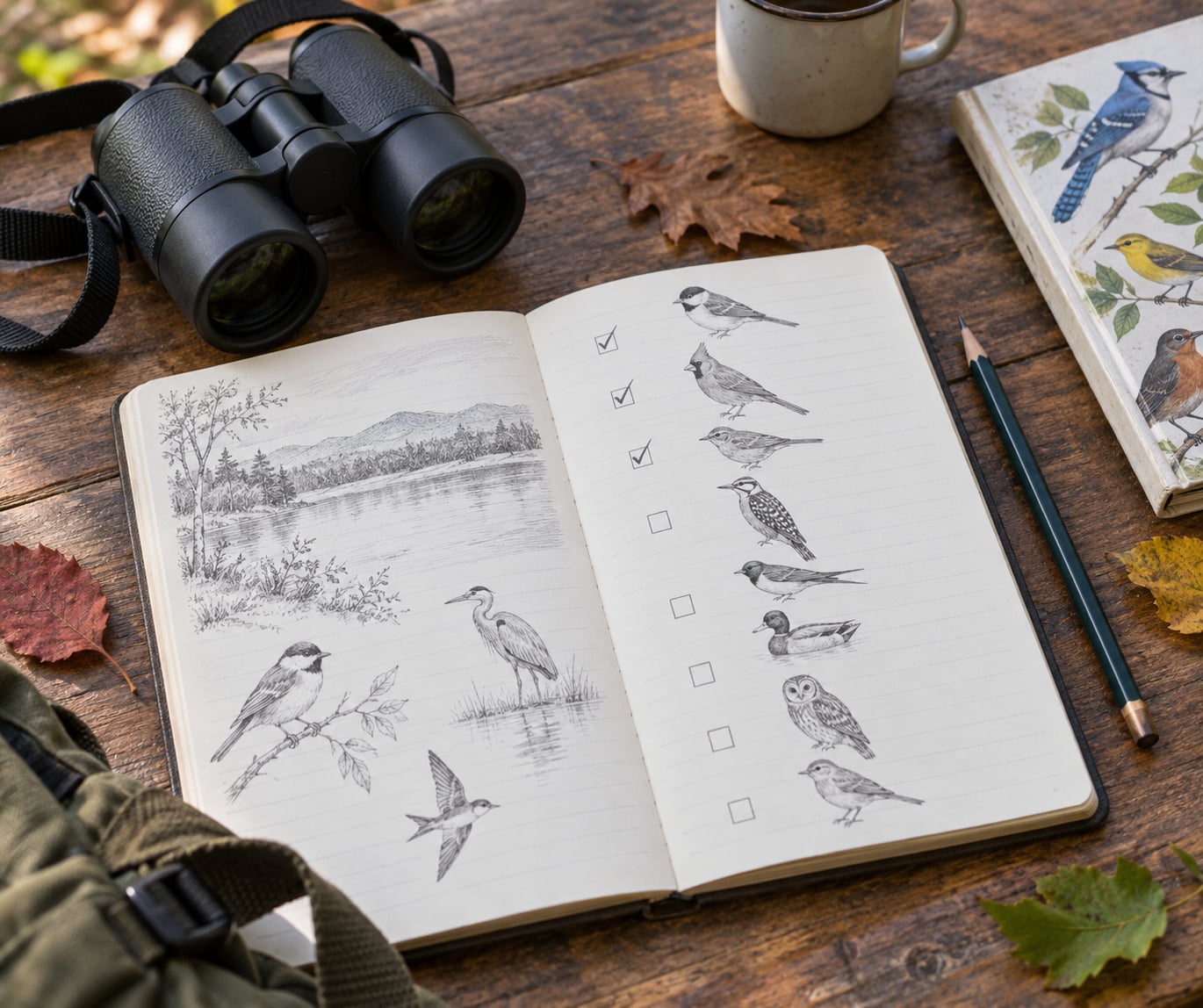
A bird life list is a running record of every species you have personally identified, kept with the date and place you saw it. This guide covers how to keep a bird life list that stays accurate for decades: one clear rule for what counts, one app that does the tallying for you, and a notebook backup for the days the app has no signal.
Here is the short version. Pick eBird as your recording system, set your acceptance standard before you go out, and log every reliable sighting the same hour you see it. Everything else on this page is detail you can add later.
Table of Contents
- What You Need
- Step-by-Step: How to Keep a Bird Life List
- 1. Decide What Counts as a Life Bird
- 2. Carry a Simple Recording Setup
- 3. Identify the Bird Before You Record It
- 4. Write a Complete Sighting Entry
- 5. Organize and Back Up Your Bird Life List
- 6. Review and Improve Your Life List
- Common Mistakes
- Frequently Asked Questions
- Does hearing a bird count toward a bird life list?
- Can I remove a bird from my life list?
- Which is better, Merlin or eBird for tracking sightings?
- What is the best bird journal to use?
- Do escaped or captive birds count on a bird life list?
- How do I record birds when I have no cell service?
- Conclusion
What You Need
You need less gear than most beginners expect, and none of it is optional except the first two.
- A field guide. A printed guide teaches you what to look for rather than handing you the answer. Digital versions are handy at a distance, but paper works in wind and rain.
- Binoculars. Any pair that lets you identify a bird at thirty feet changes how many species you add each year. Most beginners get more out of the same binoculars by practicing on familiar birds at home.
- A recording method. Choose one: eBird from the Cornell Lab of Ornithology, a paper notebook, a spreadsheet, or a combination. A second tool is fine. Two half-used systems are not.
- An identification app. Merlin Bird ID from the Cornell Lab offers sound identification and a reference library, and it works with eBird records once both are connected to the same account.
- A decision about your standard. Before your first outing, decide what you will and will not count. Doing it now prevents the arguments that start later.
Set aside twenty minutes to create the account and download offline packs. After that, recording a bird takes about thirty seconds.
Step-by-Step: How to Keep a Bird Life List
Six steps cover the whole process, from the standard you set on a Tuesday night to the review you do each winter. Most birders follow the same loop and adjust the details.
1. Decide What Counts as a Life Bird
Write your rule down before you go out, in one sentence, where you will see it again. Mine is simple: I count a species when I have a clear view of a wild bird and positive field marks, or when I hear it clearly enough to name it with no other candidate in mind.
Most listers count four cases. First, a clear view of a wild bird. Second, a sound identification you would defend to someone holding a field guide. Third, a photograph you took that shows the marks needed to name it, even if you could not see the bird well at the time. Fourth, a bird flying overhead when the silhouette, call and wing pattern together settle the identification.
Three cases get excluded instead. Birds inside aviaries, zoos or pet stores do not count. Escaped or captive-origin birds do not count, even if they were seen in a park. And a call heard with nothing visible does not count unless the call alone identifies the species without hesitation.
Community boards argue about the edges of this more than the middle, so state yours and let your list be your own. Recording the standard is what turns a hobby list into a defensible record.
2. Carry a Simple Recording Setup
The goal is to capture the bird while it is still visible. Memory fails on details that matter most, and it fails faster in the cold than you expect.
Carry a waterproof notebook and a pencil that works when damp. Note the species, the date, the time, the count and where you are standing the moment you are sure of the identification. Add field marks before you look at the bird again, not after.
Carry your phone with Merlin and eBird installed, plus downloaded sound packs for the places you visit most. Both apps keep working without signal and sync when you get back to a connection. Merlin sounds stop working outside the downloaded area, which is worth knowing before a dawn chorus on a hillside.
A camera is optional but useful. Photos let you settle a field mark question days later, and attaching them to a checklist keeps the record honest. A small power bank matters more than any other accessory on a long day out.
3. Identify the Bird Before You Record It
Use the same five-step routine every time so a bad guess never becomes a life bird. Work in this order: size and shape, behavior, habitat, range and season, then field marks.
Size and shape come first because they rule species out fast. A warbler-sized bird in a parking lot is not a hawk, whatever the color suggests. Behavior separates a crow from a raven when neither is close. Habitat and season eliminate anything that does not belong in that place at that time of year.
Field marks last. Look for the specific detail that separates two similar birds: wing bars, eye ring, bill shape, tail pattern, the color of the rump. When two birds stay evenly matched, report the honest answer instead of picking one. Enter a sparrow as a sparrow, and a small accipiter as a slash pair, the way a records committee would.
Nobody respects a life list padded with guesses, and every serious lister I know has removed a species at least once. Guessing costs you more later than admitting uncertainty in the field.
4. Write a Complete Sighting Entry
A checklist is complete when someone reading it a decade later knows what you saw, where, and how hard you looked. Six fields cover it.
- Species. The identification, or the honest unresolved alternative.
- Date and time. Start time matters for migratory and nocturnal records.
- Location. As precise as you can make it without disturbing anyone. A hotspot plus a short note about the trail or the end of the dock beats a town name.
- Count. Your best estimate for the number of individuals. If counting was not the point of the outing, use the count field for no count rather than leaving it blank.
- Effort. Distance walked and time spent. Reviewers use this to judge whether a rare bird was actually searched for.
- Notes and media. Behavior, habitat, and photos or recordings that support the identification.
Missing effort, an unnamed location or no count can leave a checklist flagged for review, which is the main reason a life list built from incomplete entries looks patchy later. Two extra taps while the bird is still there beats a rebuild at home.
A short entry still works. Species, date, place and count take fifteen seconds; effort and notes take another twenty. That is the entire weekly cost of a well-kept list.
5. Organize and Back Up Your Bird Life List
Sort your records so they answer questions later. Taxonomic order is the natural default because it groups similar birds together and makes a missing family obvious. Sorting by date shows your progression, and sorting by place lets you build yard, patch, county and state lists from the same records.
Keep four lists, not one. A life list is everything you have seen. A year list resets each January and keeps you engaged when the life list barely moves. A yard list covers birds at or near your home. A patch list covers one park, preserve or trail, which is the most useful list for planning a single morning.
Back the data up in a way that does not depend on one company. Export your checklist data as a spreadsheet from your My eBird account once a season and keep a copy somewhere separate from your phone. If you use a paper notebook, photograph the pages when you get home and file them by date. Paper plus digital is a genuine hybrid system, not a compromise: the notebook catches what you see, the app tallies it.
Decide what stays private. Your full checklists feed community science projects such as Status and Trends, which is exactly why the records need accurate places, dates and effort. If a location is sensitive, keep that checklist private in the app and share the rest.
6. Review and Improve Your Life List
Set a yearly review date, usually the first weekend of the new year. Pull the list, sort by family, and look for what is missing rather than what you have.
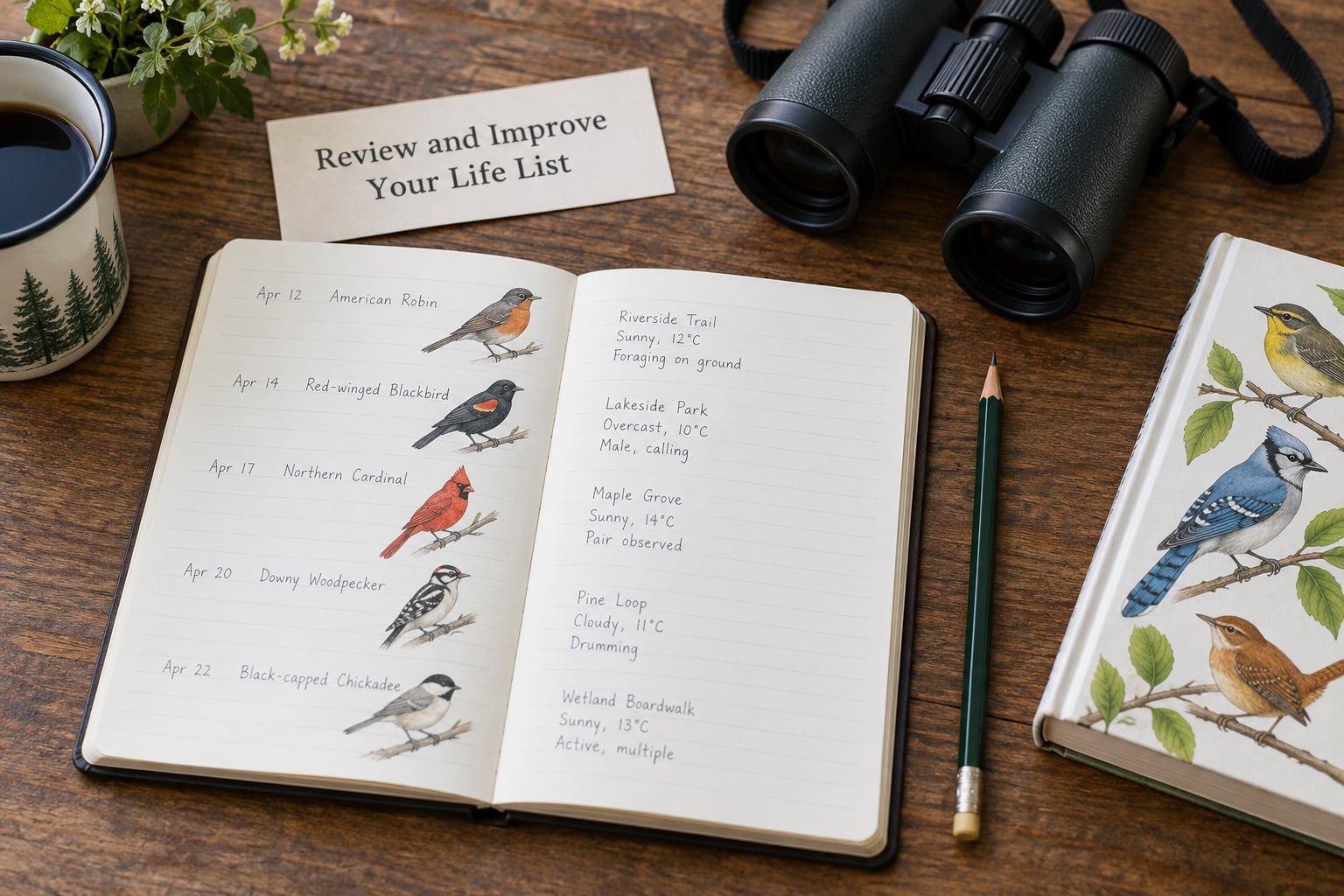
Compare the gaps against a regional checklist, such as the ABA checklist if you bird in the United States, and you have a target list for free. Pick three or four species for the season and learn their calls before the trip. Check review species flagged by the regional review team, since those entries are contested and the correction often changes what you actually saw.
Taxonomy will change your total whether you like it or not. When authorities split one species into two, your sighting may become two records; when they lump two into one, your total drops. Follow one taxonomic list consistently, note which one you follow, and expect a total that shifts slightly in an update year.
Then put the list down for a while. A number that only ever goes up stops being interesting after the hundredth common bird, and the birding is better for the attention anyway.
Common Mistakes
Recording a bird from too little evidence. A shape in the fog is not an identification. Fix: apply the five-step routine, and if two candidates survive it, record the group instead of choosing one.
Confusing individuals with species. Listing a bird twice because you saw it again adds nothing. Fix: check the alphabetical or taxonomic list before saving, and let the app total it for you.
Forgetting place and date. A lifer with no location cannot go on an area list, feed a regional record, or help you plan a return trip. Fix: make place and date the first two fields you fill in, before the count.
Forcing a name to look competent. Pressure to name a sparrow or a small hawk pushes good records into bad ones. Fix: sparrow stays a sparrow, and a slash pair is a mark of a careful observer.
Relying on one unbacked device. Phones get dropped, wiped and replaced with models that no longer run the old app. Fix: export your data to a spreadsheet every season and photograph any paper pages.
Ignoring the no-signal problem. Most frustration in the field comes from an app that will not save offline. Fix: download Merlin packs and set up your eBird hotspot before leaving, then record on paper and enter it later.
Never fixing mistakes. A mistaken species sits in your life list until you deal with it. Fix: open My eBird, find the checklist, delete the wrong entry or the whole checklist, and the total recalculates immediately.
Treating the list as a contest. Chasing totals crowds out the birds themselves. Fix: keep the year list for fun and the life list for accuracy, and let some outings be about the walk rather than the number.
Frequently Asked Questions
Does hearing a bird count toward a bird life list?
Most listers count a sound identification when the call alone identifies the species with no serious rival candidate. Regional review systems use separate codes for birds heard only, and for birds both heard and seen, which keeps records honest about what you actually had. If two species share a call, or you are identifying by habitat expectation rather than the sound itself, record it as heard and unresolved. Write your standard down before you start so the rule does not change with the species.
Can I remove a bird from my life list?
Yes, and you should. Sign in to your My eBird account, open the life list, and remove the species, or go to the checklist and delete the single entry or the whole checklist. Because the life list is generated from your submitted checklists, deleting the source record updates the total right away. Deleting checklists built into shared data feeds can take time to propagate, so allow a day or two before assuming the change failed.
Which is better, Merlin or eBird for tracking sightings?
Use them for different jobs. Merlin Bird ID identifies birds from sound and photo and keeps a private life list of your own identifications. eBird records checklists with date, place, count and effort, and feeds your life list plus community science projects. The standard workflow most birders use is Merlin to identify, then eBird to record, which avoids the confusion that comes from treating the two life lists as separate systems.
What is the best bird journal to use?
The best journal is the one you will write in. A waterproof notebook with a pencil captures field marks at the moment you see them and works with gloves, rain and no battery. A phone app sorts, totals and searches your records for you. Many experienced birders use both: paper for the sighting, the app for the record. Whichever you pick, keep a second copy of your data somewhere other than the device.
Do escaped or captive birds count on a bird life list?
Birds held in aviaries, zoos and pet collections do not count. Neither do escaped birds or birds known to be of captive origin, even when they are seen flying free in a park. The reasoning is practical rather than moral: captive populations distort abundance data used in conservation science. Wild birds that visit feeders and nest nearby do count, and a rehabilitated bird released with no captive provenance usually counts too, though listers differ on the details.
How do I record birds when I have no cell service?
Plan for it before you leave rather than in the field. eBird records checklists offline and syncs them once you have a connection, and Merlin works offline with sound identification inside the area you downloaded ahead of time. Set up your hotspot while you still have signal so location comes in automatically. If you are heading somewhere remote, carry the notebook and enter the entry the same evening while the details are fresh.
Conclusion
Choose your recording system today, set your acceptance standard in one sentence, and start logging every reliable sighting with its date and location. That habit, kept for a year, is the whole difference between a list you have and a list you can trust.